
Moscone Center
San Francisco, CA

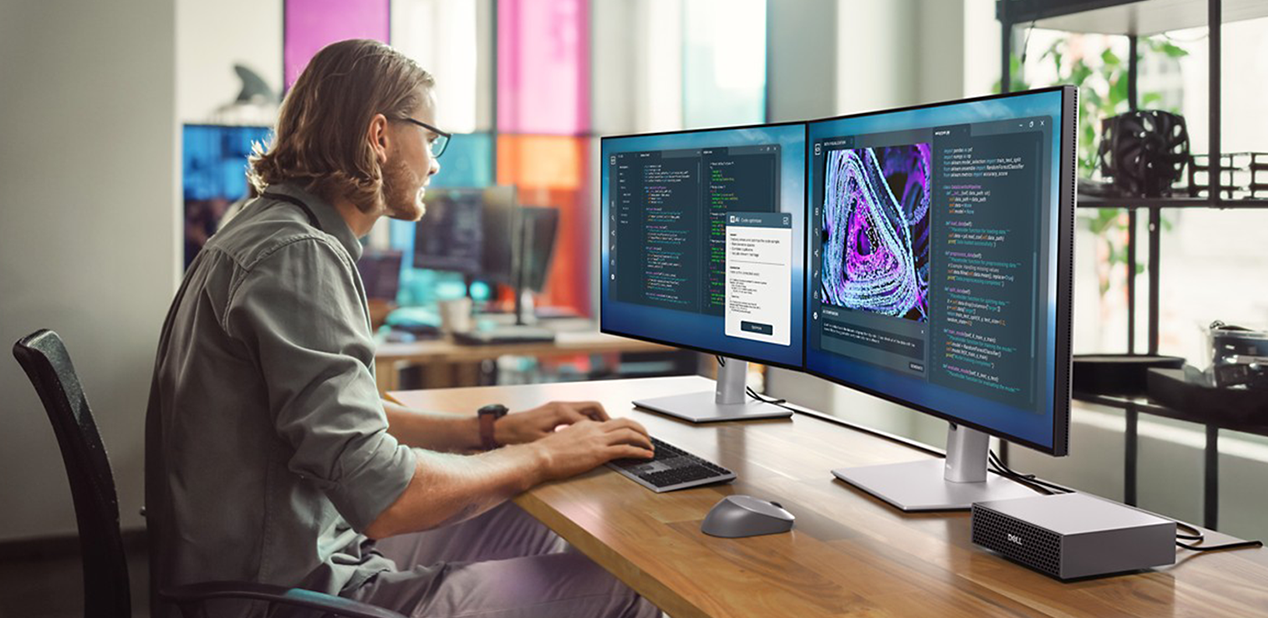
I visited a mid-sized game studio in Montreal last month—about 50 people on staff—and noticed a familiar pattern. Developers would kick off a render, wander away from their desks, come back to check progress, grab coffee, answer emails, start another render, and wait again. By the time each render finished, many had lost the thread of what they were testing.
This happens everywhere. A 50-person development team loses 2–3 hours per day to render delays. It’s more than an annoyance—it’s costly. And it’s solvable with the right hardware.
The “Good Enough” Hardware Trap
Most studios optimize for upfront hardware cost instead of iteration speed. On paper, the machine runs the engine, compiles shaders, and loads scenes. In practice, constrained memory, thermal throttling, and unstable drivers quietly stretch development timelines.
Developer salaries don’t pause during render times, and context switching drains productivity. Projects that should ship in eight months stretch to ten because testing cycles crawl.
This isn’t a new lesson. Back in the PlayStation 2 era, Sony provided dev kits with four times the RAM of consumer consoles, plus upgraded I/O. Developers needed faster tools than players. The same principle applies today: development hardware must be built for content creation scale, not just content playback.
What Professional Development Hardware Really Means
NVIDIA RTX PRO cards offer up to 96GB of memory—critical for complex scene composition, loading large texture libraries, or real-time rendering without choking. Large vRAM pools reduce disk thrashing, eliminate out-of-memory crashes, and dramatically improve iteration speed.
Reliability is another factor. Error-correcting code (ECC) memory catches and fixes data errors before they corrupt output. Scientists rely on ECC for medical imaging; financial institutions use it to prevent transaction errors. Any workflow where data accuracy matters uses ECC as standard. In long compile cycles or AI model training runs, silent memory errors can cost hours. ECC prevents that.
Enterprise support also separates hobbyist GPUs from professional ones. Stable, guaranteed drivers mean fewer mystery crashes late in development. Professional support channels connect you with engineers rather than forum threads. Enterprise drivers are tuned for stability across professional applications, reducing crash frequency and regression risk late in development. Professional support channels connect teams directly with engineering resources when needed.
Then there’s the accelerating role of AI. Teams use AI for procedural content, texture enhancement, behavioral systems, and more. These models demand enormous memory. RTX PRO cards are licensed to run NVIDIA AI Enterprise in production environments. This enables studios to deploy AI workflows reliably at scale.
The Infrastructure Nobody Counts
Dell Precision workstations configured with NVIDIA RTX PRO accelerated computing are designed to avoid this. Components are tuned to work together, bottlenecks are engineered out, and support covers the entire system—so troubleshooting doesn’t turn into finger-pointing.
The Real Math: Total Cost of Ownership
A professional GPU is a larger upfront investment. But purchasing managers should consider the broader financial picture:
- Less troubleshooting time with enterprise support
- Fewer errors due to ECC memory
- Higher developer productivity
- Reduced project delays from faster iteration cycles
Consider a 50-person dev team earning $80,000 annually. If RTX PRO cards save each developer just one hour per day, that’s 12,500 hours saved annually. At roughly $40/hour, that’s $500,000 in reclaimed productivity. The hardware pays for itself in months.
For small indie teams building stylized, low-poly content, minimal configurations may suffice. But once a studio scales and produces graphically intensive work—or integrates AI into the pipeline—the math changes very quickly.
What Top Studios Already Know
The best hardware for playing games isn’t the same as the best hardware for making them. Development is a production workflow. Production workflows demand memory headroom, stability, and sustained performance. Professional GPUs compile shaders, assemble scenes, and render them faster—so developers aren’t stuck waiting on tools.
Studios looking to reduce render times should consider Dell workstations paired with NVIDIA RTX PRO GPUs. The configurations exist. The performance benefits are proven. The cost savings are measurable.
At this point, the question becomes simple: how much longer are you willing to pay your developers to wait?
Discover More
Moscone Center
San Francisco, CA